
CapCut Review 2026: Is It the Best Free Video Editor for Creators?
CapCut Review 2026: Is It the Best Free Video Editor for Creators?
CapCut is everywhere in 2026. Moreover, it is free, powerful, and requires no prior video editing experience. Because millions of content creators, UGC freelancers, and social media managers use it daily, it has genuinely earned its dominant position in the market. However, is it actually the best free video editor available — or just the most popular one?
Furthermore, with CapCut Pro now available as a paid upgrade, many users wonder whether the free version is still enough. So this honest review covers everything: what CapCut can do, where it falls short, who it is best for, and whether Pro is worth the extra cost.
What Is CapCut?
CapCut is a free video editing app developed by ByteDance — the same company that owns TikTok. Because it was built specifically to complement short-form video content creation, it excels at exactly the type of editing that TikTok, Instagram Reels, and YouTube Shorts demand. Moreover, it is available on iOS, Android, and as a desktop web browser application. So you can edit on any device without installing anything beyond the app itself.
Furthermore, CapCut has evolved significantly beyond a basic cutting and trimming tool. Because it now includes a comprehensive suite of AI-powered features, it genuinely competes with tools that cost considerably more. So for most beginner and intermediate creators, CapCut covers everything they need at zero cost. Here you can find our honest Capcut review about all features, pros and contras.

CapCut Features: What You Get for Free
Core Video Editing
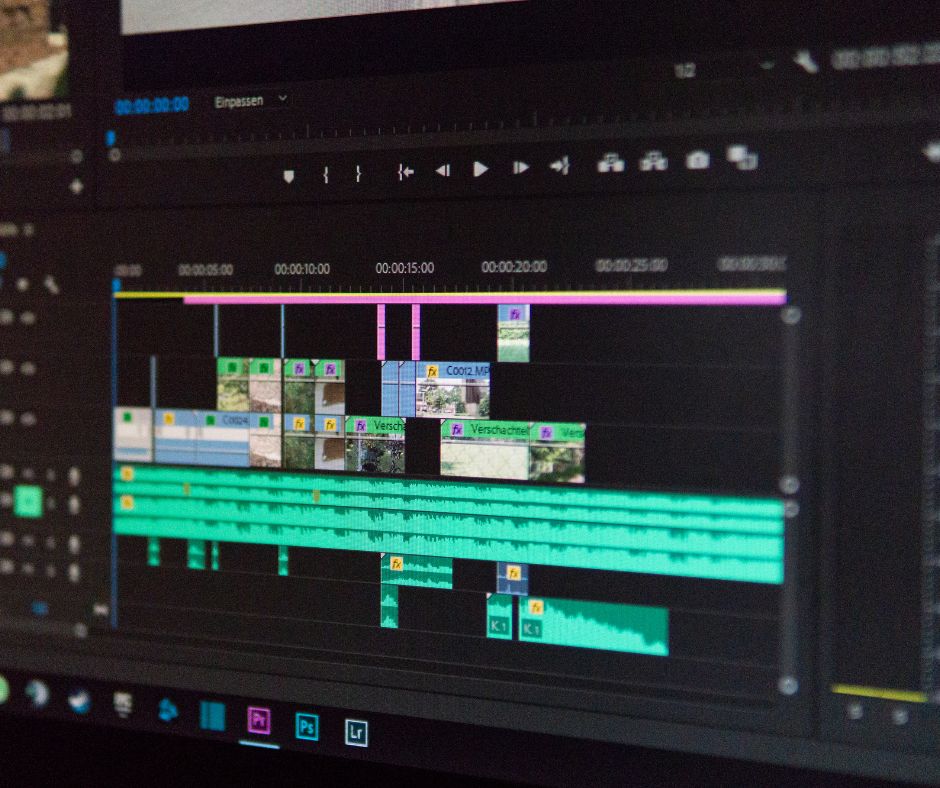
CapCut’s core editing tools are genuinely strong. Because you can cut, trim, split, merge, and rearrange clips with a simple drag-and-drop timeline, even complete beginners feel confident within minutes. Moreover, the interface is clean and intuitive — it does not overwhelm new users with options they do not understand. Furthermore, multi-layer editing lets you stack text, stickers, graphics, and audio over your footage simultaneously. So the free tier handles complex edits with ease.
AI Auto-Captions
Auto-captions are arguably CapCut’s single most valuable feature for content creators in 2026. Because most social media video is watched without sound, captions significantly improve both watch time and engagement across all platforms. Moreover, CapCut’s AI generates accurate captions in seconds — including for different languages. Furthermore, you can customize the font, color, size, and animation style. So adding professional captions to a video takes less than two minutes from start to finish.
AI Background Removal
CapCut’s background removal tool is fast and surprisingly accurate. Because it detects the subject of your video and removes the background automatically, you can place yourself or any object against any backdrop without a green screen. Moreover, this feature works remarkably well even in imperfect lighting conditions. Furthermore, it opens up creative options that previously required expensive studio setups or professional editing software. So for UGC creators who want to produce clean, branded content at home, this feature alone is genuinely transformative.
Templates and Effects
CapCut’s template library updates constantly with trending effects, transitions, and audio syncing options. Because these templates are directly tied to current TikTok and Reels trends, using them helps your content feel relevant and discoverable. Moreover, applying a template takes seconds — you simply swap in your own footage. Furthermore, the app notifies you when new trending templates are available. So staying current with content trends requires minimal effort.
AI Voiceover
CapCut includes an AI text-to-speech tool that converts written scripts into natural-sounding voiceover. Because the voices are clear and engaging, this feature is particularly valuable for faceless content creators who want professional narration without recording their own voice. Moreover, multiple voice styles and speeds are available. Furthermore, the AI voiceover works seamlessly with auto-captions — so you can generate both simultaneously. So this combination makes fully automated, faceless video creation entirely feasible within CapCut alone.
CapCut for Desktop
The desktop version of CapCut offers additional functionality beyond what the mobile app provides. Because the larger screen and more powerful interface allow for more precise editing and longer-form content creation, many creators use the desktop version for their main editing workflow. Moreover, the desktop version supports more advanced color grading, audio mixing, and multi-track editing. Furthermore, projects sync between mobile and desktop. So you can start editing on your phone and finish on your computer without losing any work.
CapCut Pro: Is It Worth Paying For?
CapCut Pro unlocks additional features beyond the free tier. However, whether it is worth the cost depends entirely on how seriously you use the tool.
| CapCut Free vs Pro Comparison: Free: Core editing, AI captions, background removal, templates, AI voiceover, standard export quality Pro: Removes watermarks on certain exports, additional AI features, advanced color grading tools, higher resolution export options, commercial use license for Pro-only assets Because the free version covers the vast majority of content creation needs, most beginners do not need Pro immediately. However, if you are using CapCut for paid client work or selling UGC content commercially, Pro may be worth considering for the commercial license clarity. |
Who Is CapCut Best For?
CapCut suits a wide range of creators. However, it is especially well-suited to specific use cases where its feature set shines most.
UGC Content Creators
CapCut is essentially the standard tool for UGC creators in 2026. Because auto-captions, background removal, and AI voiceover cover exactly what UGC content requires, the entire production workflow fits within a single free app. Moreover, the quick export options make it easy to deliver content to clients efficiently. So if you are building a UGC income stream, CapCut is your primary tool.
Social Media Managers
Because CapCut produces vertical video content optimized for TikTok and Reels natively, social media managers who handle short-form video content find it far more efficient than traditional desktop editing software. Moreover, the trending template library helps managers create timely content without spending hours on production. Furthermore, the mobile-first workflow means content can be created and exported from anywhere. So CapCut meaningfully reduces the time cost of video content management.
Beginner YouTubers
For beginners creating content for YouTube Shorts or longer YouTube videos, CapCut provides a capable starting point. Because the desktop version supports multi-track editing and longer timelines, it handles YouTube-format content well. However, for advanced YouTube productions requiring complex color grading or audio mixing, tools like DaVinci Resolve offer more professional capabilities. So CapCut is ideal for YouTube beginners but has limits at the professional level.
Print-on-Demand Sellers
Many POD sellers use CapCut to create short promotional videos for their Etsy and Shopify products. Because product showcase videos perform significantly better than static images in both organic and paid social placements, even simple CapCut videos can meaningfully increase store traffic. Moreover, CapCut’s mockup animation templates make it easy to bring product images to life. So POD sellers who add video content to their marketing strategy consistently outperform those who rely solely on static listings.
CapCut Pros and Cons
Pros
- Completely free with no hidden paywalls for core features
- AI auto-captions are fast, accurate, and customizable
- Background removal works without a green screen
- Trending templates keep content feeling current and discoverable
- Available on iOS, Android, and desktop browser — no software installation required
- AI voiceover enables fully faceless content creation
- Regular updates add new features consistently
Cons
- Some advanced exports add a watermark on the free plan
- Desktop version is less powerful than dedicated professional software like Premiere Pro or DaVinci Resolve
- Heavy dependence on internet connection for AI features
- Template reliance can make content feel generic if not used selectively
- Commercial license clarity is stronger with the Pro plan for paid client work
CapCut vs Other Free Video Editors
Several free video editors compete with CapCut in 2026. However, CapCut holds a clear advantage in most content creation use cases. Because DaVinci Resolve is far more complex and unsuitable for beginners, it serves a different audience entirely. Moreover, iMovie is limited to Apple devices and lacks CapCut’s AI features. Furthermore, InShot and VN are capable mobile editors but neither matches CapCut’s AI toolset or template library breadth. So for most social media and UGC creators, CapCut is the strongest free option available.
Final Verdict: Is CapCut the Best Free Video Editor?
For the specific use cases it was designed for — short-form social media video, UGC content, and quick-turnaround creator content — yes. CapCut is the best free video editor in 2026 for these purposes. Moreover, its AI feature set genuinely competes with tools that cost significantly more. Furthermore, the combination of auto-captions, background removal, AI voiceover, and trending templates in a single free app is unmatched in its category.
However, CapCut is not the right tool for every video project. Because complex, long-form video production with advanced color grading and audio design requirements demands more powerful software, professional-level projects should use dedicated tools. So CapCut is the perfect starting point — and for many creators, it is the only tool they ever need.
Because it is free, available on every device, and genuinely powerful, there is simply no reason not to try it. Download CapCut today and see what you can create in your first hour.
Latest blog posts
- Systeme.io Review: The All-in-One Platform That Replaces 7 Tools at Once
 Most online entrepreneurs pay for too many tools. Because a typical setup includes an email platform, a funnel builder, a course host, a landing page tool, and an affiliate manager, monthly costs easily reach $200 to $400. Moreover, managing five separate logins and integrations wastes hours every month. Systeme.io promises to solve this problem entirely….
 - How to Make Faceless AI Videos That Earn Money
 Faceless video content generates real income in 2026. Moreover, it does so without requiring you to appear on camera, build a personal brand, or invest in filming equipment. Because AI tools now handle scripting, voiceover, visuals, and even on-screen presence, the production barrier has effectively disappeared. However, most guides on this topic promise automated income…
 - Best AI Video Tools for Content Creators in 2026
 Video dominates every platform in 2026. Moreover, creators who produce it consistently reach far larger audiences than those who publish only text or images. However, video production traditionally required expensive software, technical skill, and significant time. AI tools have changed that completely. Because scripting, voiceover, editing, captioning, and even on-screen presence can now be handled…
 - HumanTalk Review: AI Text-to-Speech That Sounds Like a Real Person
 AI voice tools have transformed content creation. Moreover, they have made faceless YouTube channels, UGC videos, and audiobook production accessible to people who would never record their own voice. However, most quality AI voice platforms charge $22 to $99 every month — which adds up quickly for creators just starting out. HumanTalk takes a different…
 - VideoCreator Review: Can You Really Make Money With This AI Video Software?
 Video content dominates every platform in 2026. Moreover, businesses of every size need it constantly. Because most small business owners lack the skills, time, or budget to produce video themselves, a genuine market gap exists for creators who can fill it. VideoCreator promises to close that gap. Because it offers a template-driven, cloud-based video editor…